ERP & custom software

We build the system your business actually needs

You should not have to change how you work to fit someone else’s software. We learn how your company runs, then build a system around your operations, your people, your permissions and your reports.

  • Built for your line of work
  • Permissions per user role
  • Built to grow with you
Listen

The idea, in a minute

A quick walkthrough of how your company’s needs become a system built for you.

What it covers

  • 01What an ERP system actually is
  • 02How we learn the way your company works
  • 03Turning your existing steps into a system
  • 04Dashboards designed for your business
  • 05Users, roles and permissions
  • 06Customers, sales and accounting
  • 07HR and contracts
  • 08Reports, integrations and custom workflows

Voice explanation 2:46

The custom system, explained

Press play to listen Loading… Now playing Paused — press play to resume This browser can’t play the recording

0:00 2:46
The idea

What is a custom system?

Every company runs differently. Ready-made software imposes its way of working; a custom system is built around yours.

Before a line of code is written we sit with you and your team and watch the work happen: who does what, where a request travels, who approves it, and which numbers you need at the end of the day. Those answers decide the shape of the system — not the other way round.

What differs between companies

  • Day-to-day operations
  • Departments
  • People
  • Approval steps
  • Permissions
  • How customers are handled
  • The sales cycle
  • The financial cycle
  • Reports
  • Integrations with other systems

From a need to a running system

  1. Your need
  2. Analysing the workflow
  3. Designing the system
  4. Building it
  5. Testing
  6. Going live
  7. Continuous development
Customisation

We don’t fit you to a template — we build what fits you

Customisation is not an extra here; it is the service. Every part of the system is decided with you.

A custom interface

Screens and menus arranged around what your team opens every day.

Custom workflows

A request travels the same path it already travels in your company.

Custom permissions

Each person sees and edits what their role covers, and nothing more.

Custom dashboards

The numbers that matter to you on the first screen, not generic ones.

Custom reports

Reports in the shape and detail you need, and exportable.

Custom fields

The data you actually record, without boxes nobody fills in.

Custom calculations

Commissions, discounts and tax calculated by your own rules.

Custom notifications

The right person told at the right moment, the way that suits you.

Custom integrations

Connected to the tools you already use, where they allow it.

Custom business rules

The conditions that govern your work become rules inside the system.

Modules

One system, assembled from what you need

The system is assembled from the parts your company actually needs. These are the ones asked for most often — we choose and shape them together.

  • Customers (CRM)
  • Sales
  • Accounting
  • HR
  • Contracts
  • Inventory
  • Purchasing
  • Projects
  • Users & permissions
  • Reports & analytics
  • Orders & requests
  • Integrations & APIs

No project automatically includes all of these. We decide together what serves the work today; the rest can be added later, when you need it.

Real examples

Systems we have built

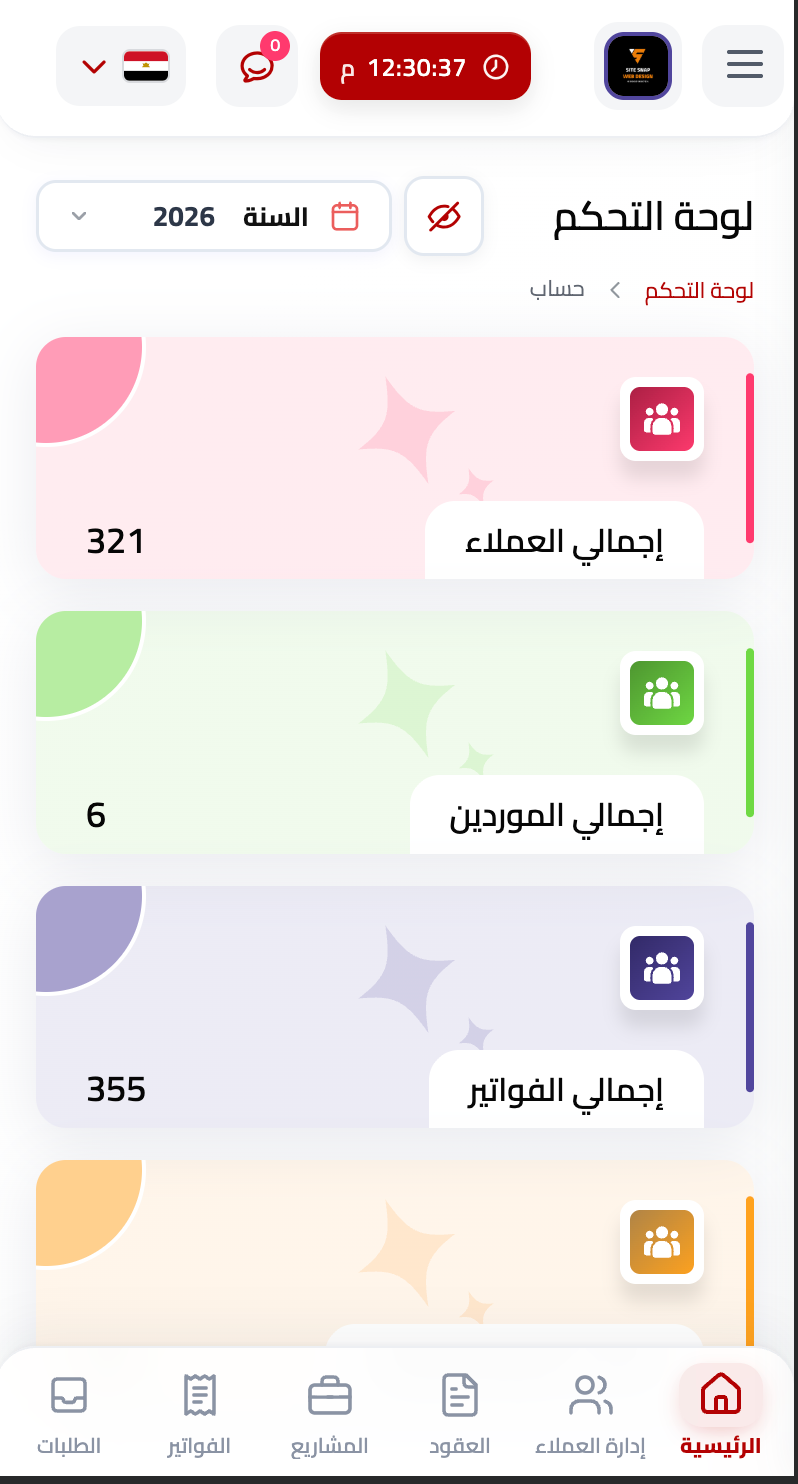
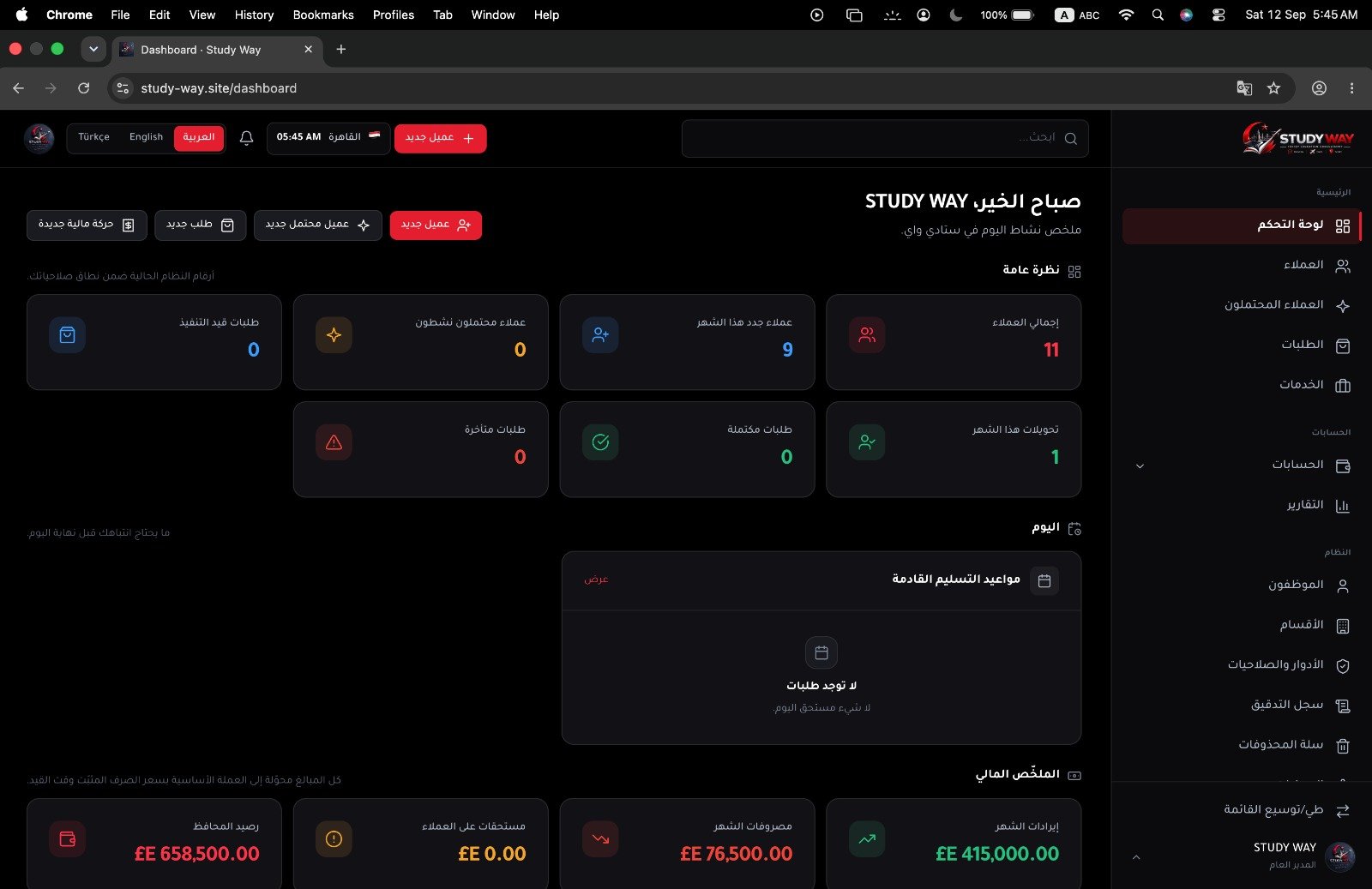
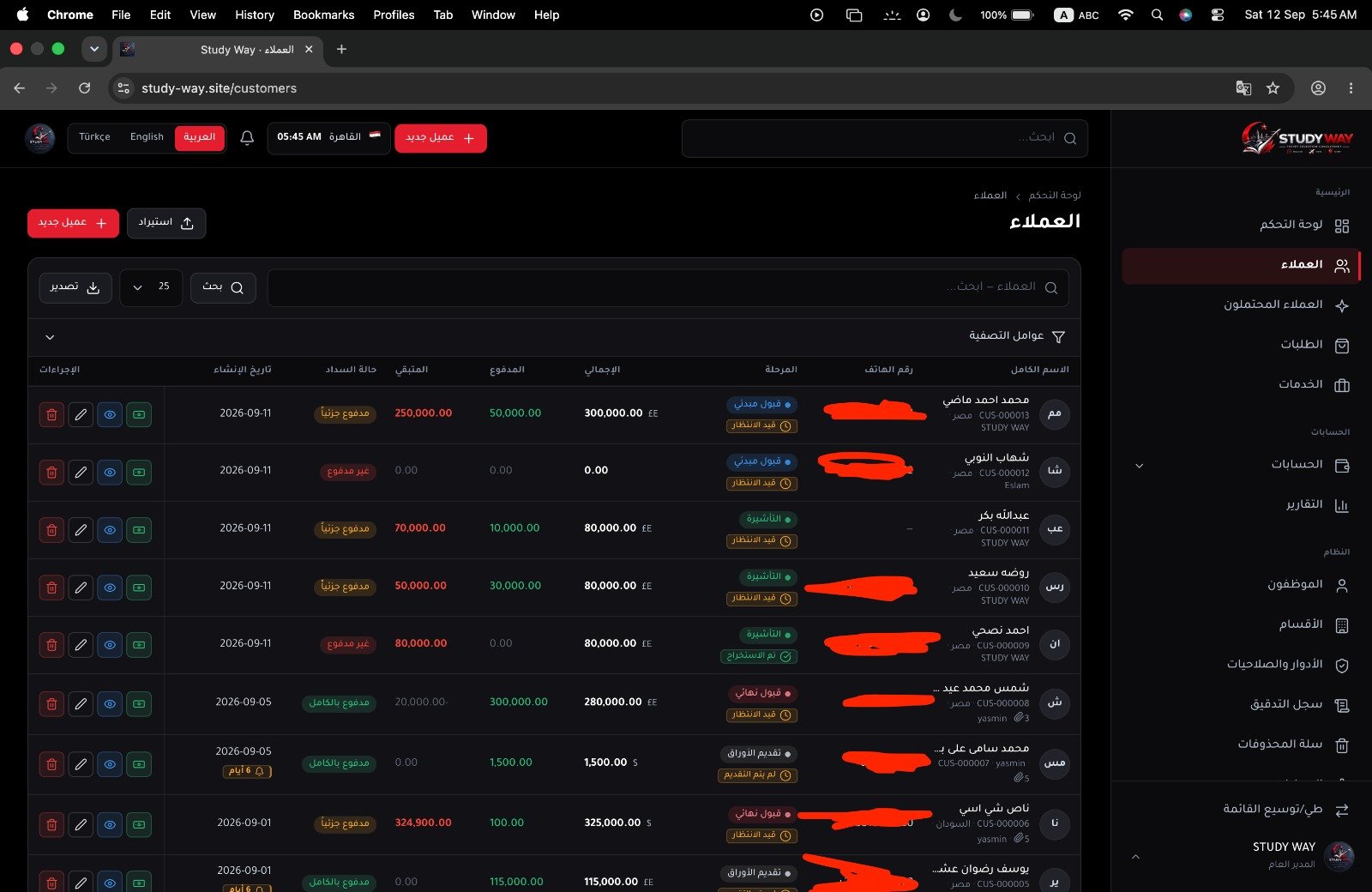
Real interfaces from systems designed and built around how the business works.
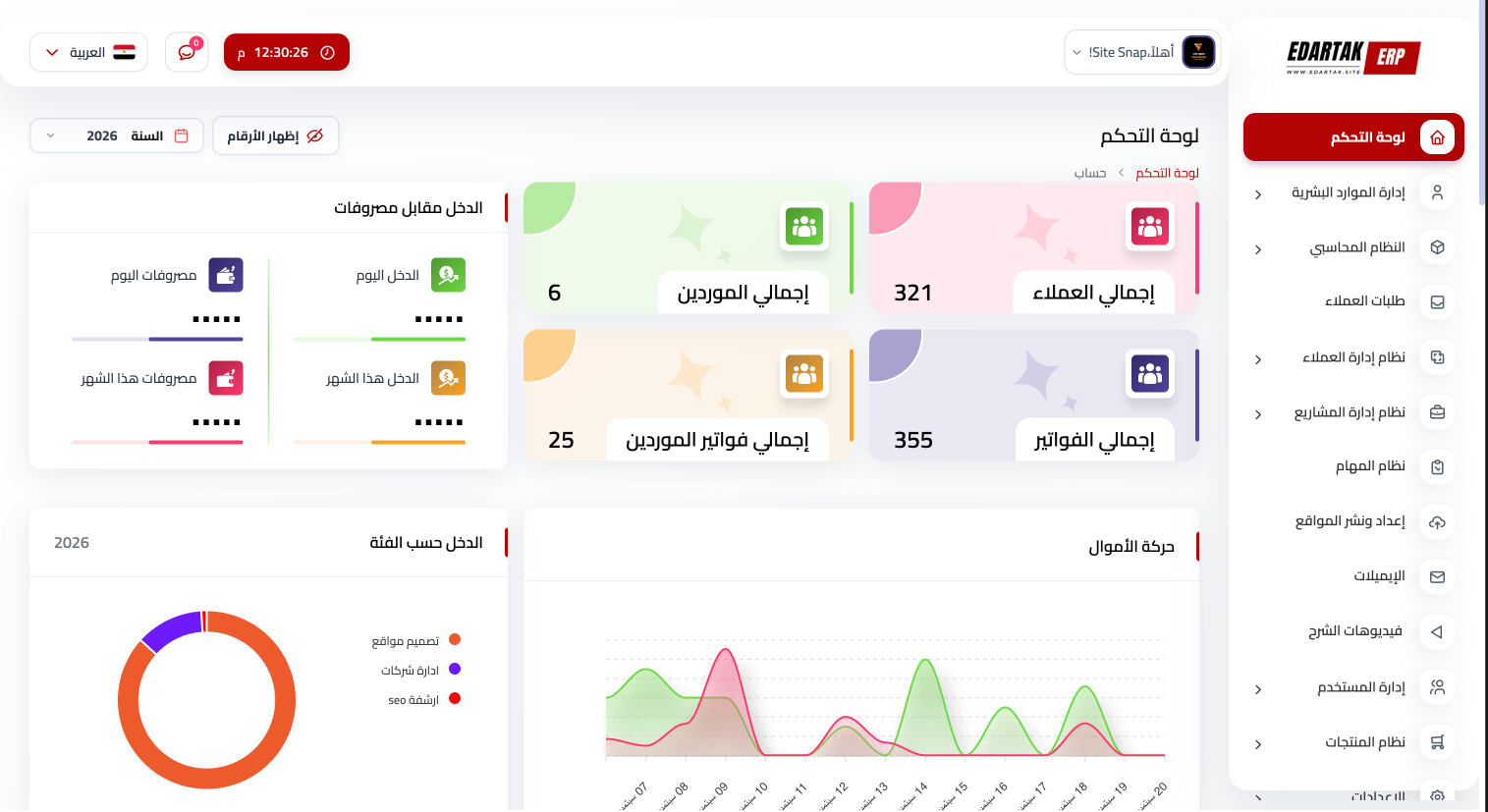
A management dashboard: income and expenses, customers, suppliers and invoices on one screen.
The same system on a phone, with the most-used sections in a bottom bar.
A dark-mode dashboard: today at a glance, orders, and the financial summary.
The customers screen: search and filters, payment status, and each customer’s stage.

Tap a picture to enlarge it.

Your call

You decide, we build

The system is built around the way you work, not the other way around.

  • How it looks
  • The pages
  • The sections
  • The users
  • Permissions
  • The workflows
  • The reports
  • The notifications
  • Calculations and formulas
  • The integrations
  • The business rules
How we work

How your system gets built

Eight clear steps, with the system taking shape in front of you.

  1. 01

    Understanding your business

  2. 02

    Analysing the operations

  3. 03

    Agreeing the requirements

  4. 04

    Designing the experience

  5. 05

    Building it

  6. 06

    Testing

  7. 07

    Launch and training

  8. 08

    Support and further work

Have an idea, or a system that needs building?

Tell us how you work and what you need, and we will help turn it into a complete system built for your business.